Deadman Pickle
Enable and Trigger Control
At a Glance
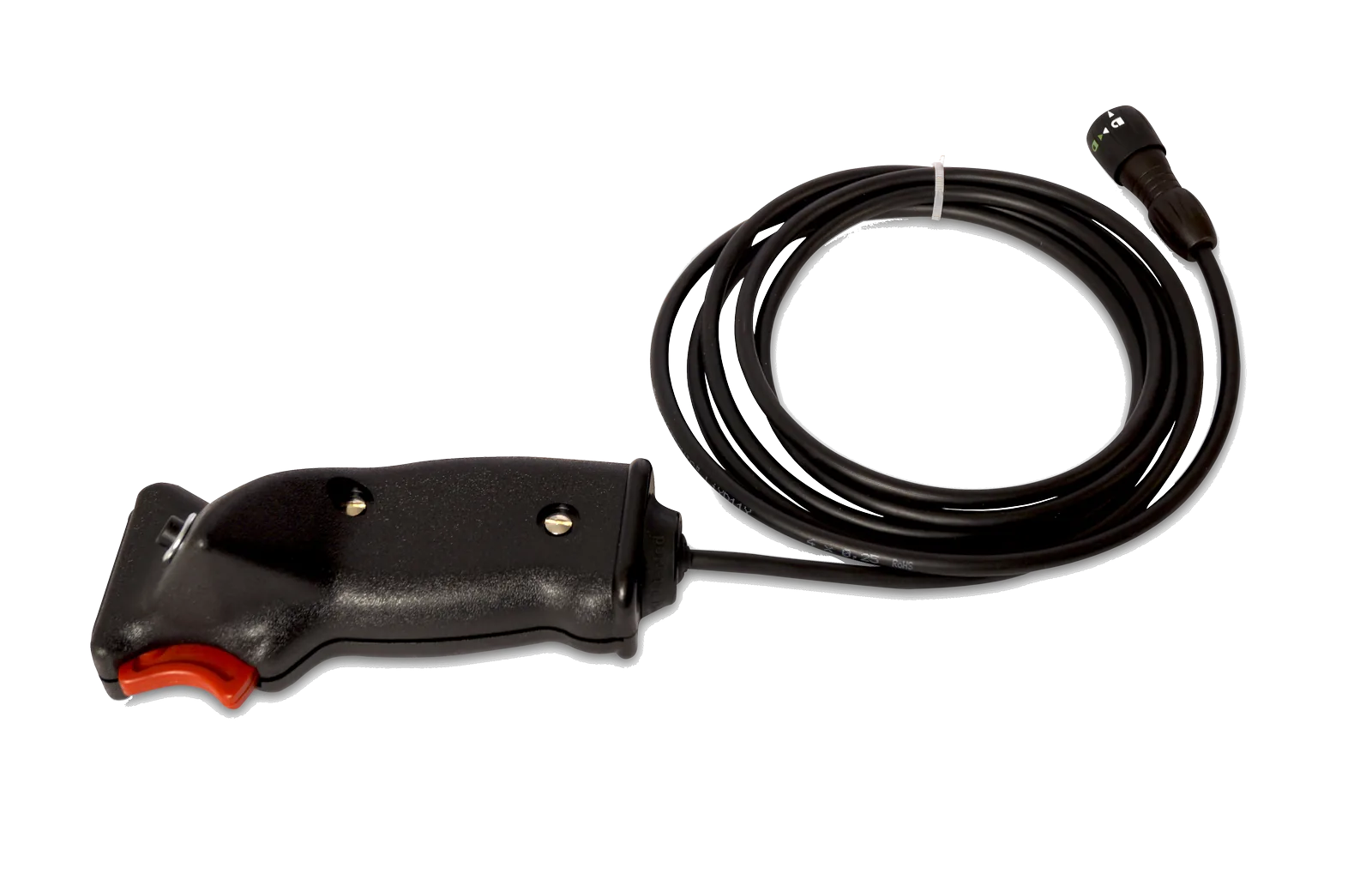
The Deadman Pickle, a handheld control for the Pyrodigital firing system, combines a hold-to-enable button and a trigger for field-controller operation. It allows the operator to maintain the enable signal while issuing trigger commands for the selected firing mode.
Operational Role
Hold the enable button to allow the controller to send fire commands; releasing it prevents any further firing. The separate trigger button sends the command assigned to the controller’s Fire button by the selected operating mode, such as firing a cue or starting a show from Auto Fire mode. For the controller to act on a trigger input, the enable button must also be held.
A flexible cable connects the handheld control to the field controller. One Deadman Pickle is supplied with each FC-A and FC-E and is also available separately. For linked operation, a Deadman Link Cable can share the enable and trigger signals with additional controllers.
System Compatibility
- Field controllers: FC-A Field Controller and FC-E Raptor Field Controller
- Accessories: Deadman Link Cable for linked control from an FC-A
- Included with FC-A and FC-E; also available as a separate accessory.
Technical Specifications
Function
- Enable button
- Hold to allow the controller to send fire commands; releasing prevents further fire commands
- Trigger
- Issues trigger commands for the selected mode, including cue firing or starting Auto Fire, while enable is held
Physical
- Cable
- Flexible cable for connection to the controller
- Control layout
- Handheld grip with enable button and trigger
Linking
- Linked operation
- Share enable and trigger signals using the Deadman Link Cable; FC-A can pass on signals, FC-E can receive them